
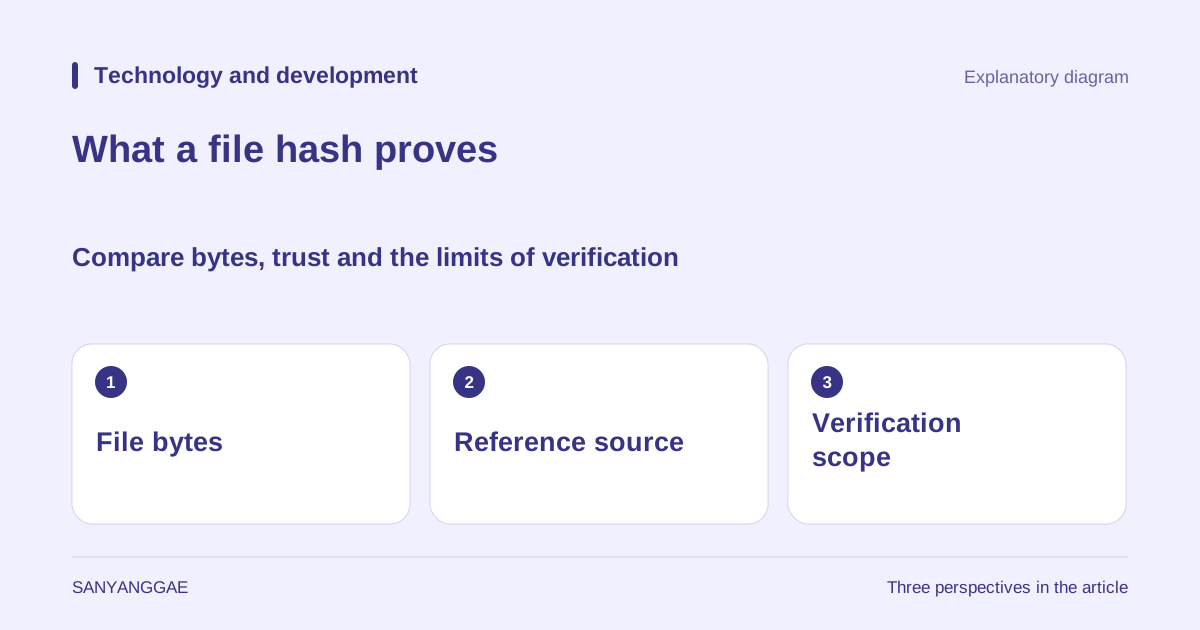
1. Files with the same name do not necessarily have the same contents
It is tempting to assume a downloaded installer arrived correctly when its name and size match the download page. But names can be changed, and files of the same size can contain different data. Conversely, copying a photograph under a different name does not necessarily change the bytes inside it. A hash helps with comparison by putting file contents through a defined calculation to produce a short value. The question is whether the bytes you received agree with a trustworthy reference, rather than whether the file name looks plausible. You can ask the same question after moving a backup to another storage device.
SHA-256 is an algorithm that produces a 256-bit hash value from its input. This is commonly displayed as 64 hexadecimal digits because each hexadecimal digit represents four bits. The result does not grow in proportion to the file size. Applying the same algorithm to the same bytes produces the same result. However, because a finite-length value must represent all possible inputs, collisions, in which different inputs have the same value, exist in principle. Being useful for practical comparisons is different from assigning a mathematically unique name to every file. RFC 6234 provides hash calculations and test material, including SHA-256.
2. A hash is neither encryption nor a miniature copy of the file
Knowing a hash does not provide a decryption button that restores the original document or photograph. Encryption is designed to recover the original with an appropriate key, whereas a cryptographic hash is not a storage format for reconstructing it. This does not mean that publishing only a hash keeps every input secret. If there are only a few possible inputs, someone can calculate their hashes and compare them. An explanation of SHA-256 for file verification therefore must not be extended into advice that simply hashing passwords is sufficient for storing them. Integrity verification, confidentiality and password storage have different requirements.
When calculating over a whole file, you are not just comparing the characters visible on screen. Text that looks identical may have different bytes because of line endings, character encoding or internal document metadata. A file extracted from an archive is a different comparison target from the archive itself. If you normalize characters or change line endings before calculating, you obtain the hash of the transformed data. If the publisher supplies a value for the original archive, first compare it with the downloaded archive itself. This applies the distinction between display and bytes discussed in the earlier Unicode and UTF-8 article to practical file verification.
3. Compare the download using the same algorithm and reference value
Before verifying, check the version, operating system, file name and hash algorithm together in the publisher's official download instructions. A value for another operating system's installer or another version cannot serve as your reference. In PowerShell, you can read and hash a local file with Get-FileHash -LiteralPath '.\download.zip' -Algorithm SHA256. This command does not execute the contents at that path. Microsoft's official documentation explains that the calculation uses file contents and that renaming alone does not change the value. Replace the file name and path with those of your actual download, and do not modify the file during calculation.
In the output, compare all 64 characters of the Hash field with the publisher's SHA-256 value. Matching only a few characters at either end does not establish a complete match. Uppercase and lowercase hexadecimal letters represent the same numbers, but if other characters appear or digits are missing, check the copied value first. A match supports consistency between the received bytes and the reference you trust. It does not check a document's factual accuracy, a program's quality or malicious behavior. If the reference file itself has a problem, an identical copy has the same hash. Whether calculation succeeded and whether the file is suitable to use require separate judgments.
4. A mismatch calls for investigation; it does not establish an attack
Suppose a distribution file downloaded yesterday differs from the value in today's instructions. This is an explanatory example, not a report of an actual incident. First check whether the instructions refer to the same version, whether you downloaded a file for a different device, and whether you calculated before the download finished. You might have hashed an extracted file instead of the archive, or an editor may have saved the document again. Distinguish a change in the comparison target from changes occurring during transmission or storage. A different value alone does not tell you who changed what or when.
Do not immediately run a mismatching installer to investigate it. Recheck the official download instructions and reference value, then compare a newly downloaded file. If it still differs, check the publisher's corrections or support channel and keep a record of the result. Record the time, source address, file version, algorithm and calculated value together. Repeated calculations with the same result indicate that the current local file was read consistently, but do not resolve an incorrect published reference or a problem with the distribution path. Overwriting the reference record with the expected result destroys evidence needed to judge later changes.
5. Why trust the reference, and what do digital signatures add?
If an attacker can change both a file and its advertised hash, they can calculate a hash of the altered file and publish it as the new reference. NIST SP 800-175B explains this limitation when a hash is used without a key or signature. Obtaining the value from an HTTPS page at an official address helps establish the source and transmission path, but does not guarantee that the distribution server itself has not been compromised. What matters is where the reference came from and the trust procedure used to obtain it, rather than the apparent length of the hash string. Agreement between two values copied from the same screen does not by itself establish the creator's identity.
Digital signatures allow the relationship between a signature and the data to be verified using, for example, a public key obtained through a trustworthy process. If the publisher provides signature-verification instructions, follow the official procedure for checking the key's owner and fingerprint too. Simply trusting an unfamiliar public key found beside a file of uncertain origin leaves the initial trust problem unresolved. HMAC, which uses a shared secret key, is also an authentication tool distinct from an ordinary hash, but it is not a feature you can arbitrarily attach to every download to solve the problem. Even a valid signature does not establish that a program is defect-free or a document is true. Byte agreement, source verification and content evaluation are connected, but each needs its own evidence.
6. Record the scope of comparison in backups and collaboration
For personal photo backups, keeping the original files' SHA-256 values and comparing them with copies helps identify changes during a move. Preserve the reference list so that it is not lost or overwritten along with the originals. If photo-management software rewrites rotation information or camera metadata, the file hash may change even when the photograph looks similar. First distinguish a goal of preserving exact bytes from a goal of retaining the meaning of an edited photograph. To check a whole folder, do not stop at one file's hash: keep a list of included files, their relative paths and their individual values.
In collaborative document review, a hash can also mark the exact version reviewed. But a matching-hash check cannot replace evidence that someone actually read the entire text or compared a translation. Record what was reviewed, when and how, then connect that record to the file's value. This article's image is an original explanatory diagram organizing byte comparison, the source of reference values and the scope of verification; it is not an actual measurement or certificate. When checking a file, record the target and algorithm, the reference's source and the limits of what the result establishes. This lets the next person reproduce the procedure without overstating either matches or mismatches.