
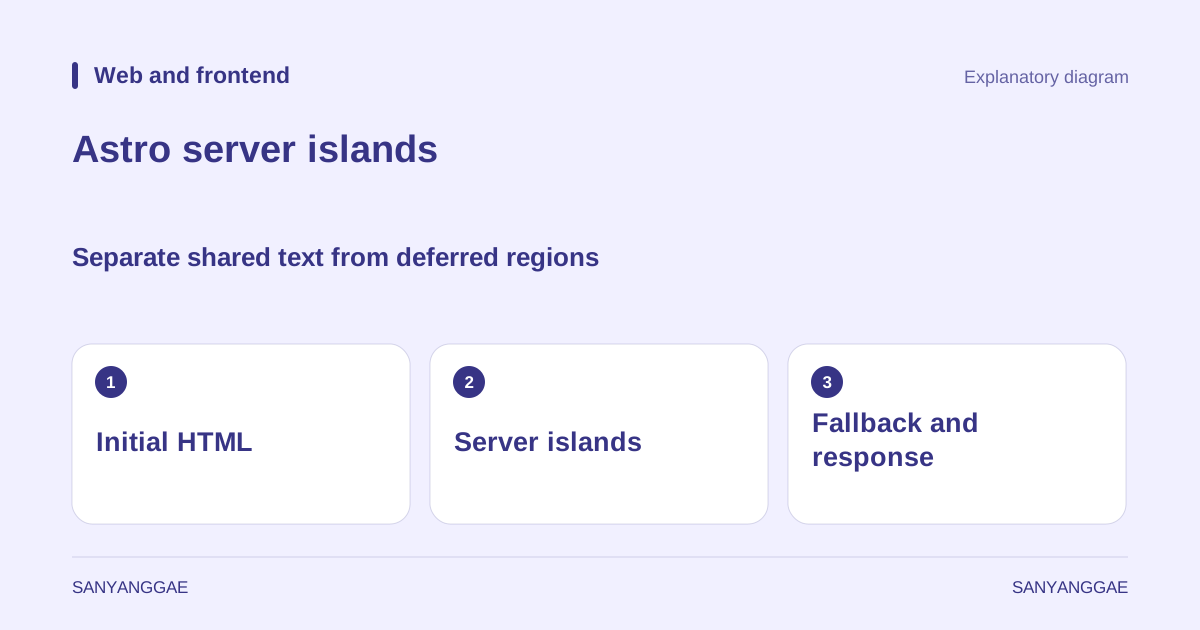
A product description may be the same for every visitor, while the delivery address shown to a signed-in person differs. Should a slow address lookup also hold up the product description? Using an imaginary bookshop page, this article examines how to separate shared content from user-specific regions. The feature is Astro’s server islands; their role differs from client islands that make buttons work in the browser.
1. Separate the initial document from regions arriving later
The official Astro server-island documentation explains deferring a component’s server rendering and receiving its result through a separate request. The initial HTML contains core content and a waiting display; a separate response replaces that region. An adapter that handles requests on the server is required.
On our bookshop page, keep title, author and introduction in the shared document, and consider only the address summary for deferral. Visitors can read about the book while waiting for the address. If understanding the payment button requires knowing the order total, however, design the relationship between price and payment actions too. Cutting visible elements into little boxes does not complete functional separation.
Success depends on what appears first. Leaving the document nearly empty and deferring most of it makes visitors wait for several loading indicators. First list the questions the opening screen must answer and the information that can arrive later. Server islands move the location of waiting; they do not automatically accelerate database queries themselves.
2. Design fallback as part of the finished interface
This small example shows the usage pattern. It assumes that the UserDelivery component and adapter have been implemented separately.
---
import UserDelivery from '../components/UserDelivery.astro';
---
<UserDelivery server:defer>
  <p slot="fallback">Checking delivery address information.</p>
</UserDelivery>
Fallback is initial content visitors actually read, not decoration that briefly appears and vanishes. Reserve space similar to the finished address card and explain what is being awaited. Showing “Delivery available” before information exists could contradict the eventual response. Visually distinguish unknown status from a confirmed result.
For example, visitors who are not signed in may need “Sign in to see your saved delivery address.” Slow networking and being signed out are different states. Define their wording and navigation paths separately to reduce the chance of temporary development text remaining on the live screen.
3. Keep data boundaries small
Pass only values needed for display and lookup when calling a component. Passing an entire order history to print one name suggests room to reduce data dependencies first. Some values can appear in public content; others should only be retrieved after user authentication. Review the transfer path and the scope displayed on screen in the same checklist.
Server-island requests have a separate execution context. If logic needs the current page’s address, consider explicitly passing the required path from the original page. Assuming the request URL inside the island is the original product-page URL can produce incorrect page-specific recommendations or return links. Check actual request addresses in developer tools during implementation.
Imagine a case involving a book ID and user-identifying information. Use the book ID for shared recommendations and handle user information on the server according to authentication status. Even an encrypted transfer format does not replace server-side authorization checks. Document the point receiving input separately from the point deciding final access.
4. Match caching to the response’s audience
A shared book introduction and a personal delivery address cannot readily use the same cache policy. MDN’s HTTP caching guide distinguishes shared and private caches. Start by asking who may see the response, rather than merely whether the data is the same.
Open the same page with two test accounts and check that the first account’s address never appears for the second. Also examine back navigation and refresh after signing out. This tests the combined result of the cache server, browser and application authentication. Reading the component file alone cannot establish safety.
Even shareable content such as common book recommendations needs an update path when it changes. Decide whether to tolerate old recommendations briefly or replace them immediately after an administrator edits them. Rather than simply writing “enable caching,” record the target, storage location, tolerated staleness and invalidation conditions so other developers can review the design.
5. Test slow connections and failure first
Do not assess the page from one successful load on a normal connection. Delay the address request, make it fail, change sign-in state and inspect each screen. Check whether core text remains readable, whether loading keeps pushing the next button away, and whether actions dependent on failed information remain available.
| Test situation | State the visitor should understand |
|---|---|
| Slow address lookup | What am I waiting for, and can I read other content? |
| Not authenticated | Are sign-in guidance and shared explanations visible? |
| Failed lookup | Can I find a recovery path instead of an empty screen? |
| Account change | Is the previous user’s information absent? |
If several islands await one another’s results, reconsider the separation. Fetching delivery charges only after receiving the address, then drawing payment guidance, can create consecutive waits. Combining related information into one server task or fetching when the user asks may be better. More separated parts do not automatically make a better structure.
6. Compare benefits under the same conditions
Record separately when the first main text appears, the address finishes displaying, interaction becomes possible, and errors occur. Even if the initial document appears sooner, a large address-card shift or later payment start can change the experience in another direction. Record what slow cases waited for rather than reporting only an average.
Specific questions help select server-island candidates. “Can visitors read the book introduction first even if this information is late?” helps implementation decisions more than “Is this a static site?” Check your deployment environment alongside Astro’s on-demand rendering guide, then verify one small user-specific region through actual failure scenarios.