
All you did was tap the screen
The journey begins when you press the shutter button. Information about the light received by the camera sensor and the capture command enter the device, and a program processes them into photo data. A preview then appears on the screen. Dividing this brief scene into input, processing and output makes the computer's work easier to see. The smartphone in your palm is also a computer that handles information by following a program's instructions.
Input and output are not permanent names assigned to objects once and for all. The picture on the screen is the output of taking a photo, but when you open it in an editing app later, it becomes the input to another task. One photo takes on several roles in succession. Real devices divide and connect these processes in finer detail, so this flow is a simple guide to looking inside a complex operation.
The photo, the app and the device play different parts
Try opening today's and yesterday's photos in the same editing app. The program carrying out the instructions stays the same, while the data it handles changes. In this scene, the app is the program and the photo is the data. Physical devices such as the camera, screen and processor are hardware. Separating the three makes it easier to see why changing the app and changing the photo mean different things.
There is no single hero doing every job inside the device. The CPU is an important processor that executes instructions, but other processors, such as a GPU, may share the work depending on the device. The operating system is also a kind of program: it manages resources and files and helps apps run. Behind one photo appearing on the screen is cooperation between several devices and programs.
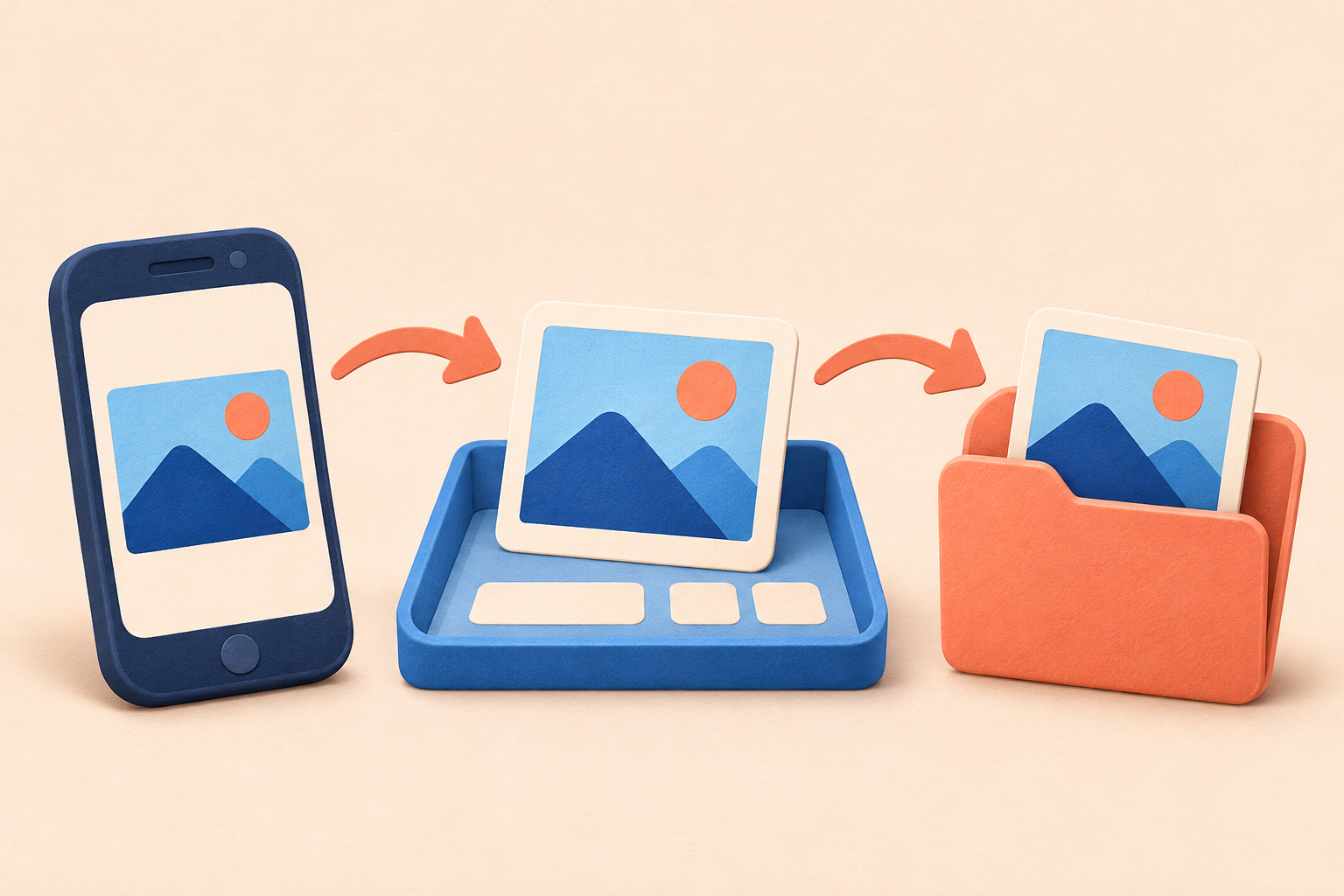
Choose a photo
The photo file and the open command become input.
The app reads and transforms it
It processes the data into a form that can be shown on the screen.
See it on the screen again
The photo is output. It may become input to the next task.
Between a preview and a completed save
Think of papers spread on a workbench and documents put away in a drawer: the difference between memory and storage becomes more familiar. RAM, commonly used as main memory, is a workspace for running programs and data, while SSDs and flash storage keep files. Ordinary RAM does not retain its contents when power is off, whereas files written to storage usually remain. Storage can still lose data through failure or deletion, so it does not guarantee permanent keeping.
A visible preview alone therefore does not prove that the photo file has been saved. Some apps save automatically; others wait for a save command. Closing an app is not the same as completing a save. After checking where the file is saved and whether saving has finished, open the photo again: the app reads the stored data and displays it. What looked like the journey's final output becomes a new input.
A journey that may go beyond your screen
If you keep photos in the cloud or use an online editor, the journey may continue to another computer. Your device can send a request and a server can find or process material before returning a result. Having the screen on your phone does not prove that all processing and storage happen inside it. Nor does this mean every photo is always sent to a server. The route depends on the app and the way you save.
Look beyond photos and even an alarm looks different. The chosen time and command to turn it on are input; comparing the setting with the current time is processing; sound and vibration are output. The alarm time is an example of stored information, and actual behavior also depends on the device's settings and state. Following one everyday scene makes a computer feel less like a distant, difficult machine and more like a familiar tool that handles information.
Even an ordinary photo hides a story of instructions and data, workspaces and storage. Next time you open a picture, think of the short journey continuing behind the screen.