
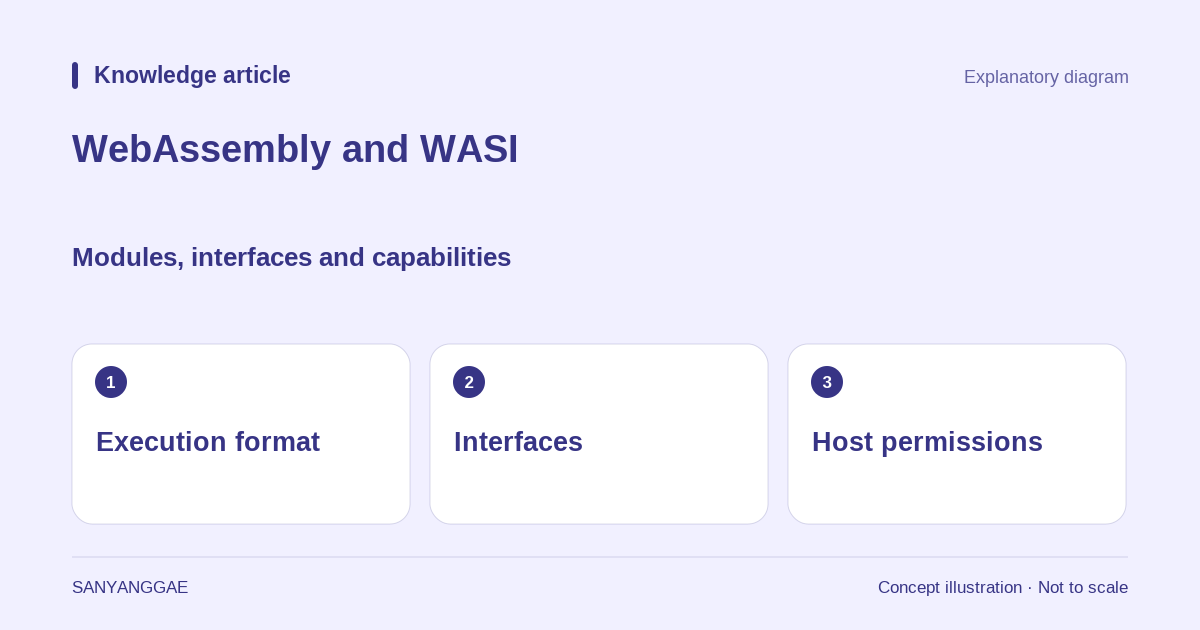
WebAssembly is a format for executable code. WASI defines interfaces for interacting with host capabilities outside the browser. The names alone do not supply every operating system feature or deployment environment.
1. Core modules and components
Core Wasm uses a low-level execution model that includes numeric types and memory. The component model deals with composition, interfaces and types that work across languages. WIT is a language for describing those interfaces. The aim is to connect implementations through an agreed interface even when they use different source languages.
2. Capabilities provided by the host
File, network and other capabilities depend on the runtime and the interfaces it supports. Declare the capabilities you need and configure what the host allows. Running in a sandbox does not automatically resolve permission misconfigurations or dependency problems.
3. Comparing the performance of Wasm and containers
Wasm and containers package different things and operate in different environments. When comparing startup times, use the same task, resources and cache conditions, and measure download, initialization and first request separately. This article gives no unmeasured microsecond cold-start figures or speedup ratios. Verify that your runtime supports the needed WASI and component features, then evaluate it on real workloads.
4. Designing an interface for an image conversion plugin
Suppose an image service runs a third-party resizing plugin. It receives the original image bytes and a target width and returns transformed bytes or an error. With only the low-level functions of a core Wasm module, you must agree on where to put the bytes in memory and how to communicate length and results. Strings and lists in different languages cannot be assumed to have the same representation.
The component model provides types and interfaces for these boundaries. Describing inputs, outputs, imports and exports in WIT makes the contract explicit even if implementations use different languages. Besides giving the operation a name such as “image conversion,” the service must specify formats, size limits and what errors mean. Returning a value of the right type does not establish that the bytes form a valid image.
Specify what error to return for zero target width or an unsupported source format. An oversized result can call for a different outcome from a plugin whose execution was interrupted. Defining the boundary helps the host show the appropriate status. An interface connects functions and provides a place to set expectations about failure and resource use.
5. Pass only the capabilities needed
A plugin that receives and transforms image bytes need not read every file on the server. If returning bytes to the host is sufficient, it may not need permission to write files. Start by identifying what is needed, leaving out network access for work that makes no network requests, for example. Wasm alone does not select a safe permission policy.
When file access is required, check which directories or handles the host grants. Some runtimes can be configured to expose only the resources supplied, but consult their documentation for the specific interfaces and settings. “WASI support” alone says little about individual versions and features. Verify that the component’s imports match the capabilities the host provides.
Limit computing resources as well as permissions. Endless loops or excessive memory allocation can hurt availability without touching any unauthorized files. Check the runtime’s execution limits, memory caps and cancellation facilities, then define how requests end when limits are reached. Limiting input size and limiting execution time address different failures. Code may run for a long time even on an allowed small input.
6. Compare the package with the actual operating environment
A container usually packages an application and its user-space dependencies while using the host kernel. A Wasm component is organized around executable code and interface boundaries. Native libraries, system calls and network behavior determine which workloads port easily and which need redesign. A small package does not mean it can replace an entire existing server as is.
When comparing the image plugin, separate downloading the original, decoding, transforming, encoding and sending the response. A large image can take most of the time even when the runtime starts quickly. Initialization may matter more for small jobs run infrequently. Record whether each setup cached only the code or also the image so you can interpret startup differences.
Keep a feature support matrix. Record the compiler target for the language, the required WASI interfaces, the component build tools and the deployment runtime. Check whether a file built in development can import the capabilities it needs from the actual host. The same Wasm file format may fail to run if host capabilities differ. Portability depends on the shared contract and the features supported.
In operation, associate each plugin version with its interface version. Changing an error format or a required input affects existing callers. Deploy small changes and prepare a rollback path to identify contract problems more easily. Track the provenance and integrity of external plugins. A sandbox can limit runtime permissions, while supply-chain review remains a separate task.
For a first candidate, choose a function with clear inputs and outputs and few host dependencies. A boundary you can describe, such as the byte conversion above, lets you check handling of errors and limits. Then substitute an implementation in another language through the same interface to see what the component model solves. Measuring which dependency at the boundary was reduced is easier than evaluating a wholesale migration.
Dependencies also define responsibilities. Every capability a plugin imports adds to what the host must provide. If image conversion needs time access or temporary storage, document why and what failure means. A successful compile does not verify these operational contracts. Document inputs, errors and allowed resources so you can check actual needs against supported features when moving to a new runtime.