
1. Putting files in one ZIP and reducing their size
A ZIP containing several holiday photos may be almost the same size as the originals, or slightly larger. That result alone does not mean the compression program is broken. ZIP is a format for keeping multiple files, their names, folder paths, and other information in one archive. Each file inside it can be compressed or included without compression. Delivering one file and reducing the number of stored bytes are two purposes that can be achieved together, but they are not the same function. Even when a collection of photos does not get smaller, an archive can still help you deliver the complete set.
The ZIP specification defines a way to store files unchanged as well as several compression methods. The uncompressed method is often labelled Store; one widely used compression method is DEFLATE. Different files within the same ZIP can use different methods. The .zip extension therefore does not tell you that every member was reduced using the same algorithm. If your program shows the compression method or each file's original and stored sizes, look at those values first. You can check whether creating the archive succeeded separately from whether compression saved space.
2. DEFLATE finds patterns in bytes rather than interpreting meaning
DEFLATE is a lossless compression format that combines references to matching sequences of earlier bytes with Huffman coding. In text with repeated sentences, for example, there may be an opportunity to describe which earlier part to reuse and how much of it to copy, instead of writing every repetition in full. Assigning shorter codes to more frequent symbols can also reduce storage. The actual format limits reference distances and lengths and includes rules for recording bytes that do not have a match. This describes the central idea; it does not mean that only human-readable sentences can be compressed.
The compressor does not understand the objects in a photograph or the meaning of a sentence and then delete content it considers unnecessary. It converts the input bytes into another representation from which they can later be recovered exactly. Data with substantial repetition or opportunities for more efficient coding may shrink well, but no lossless method can make every possible input smaller. A higher compression level usually chooses to spend more time searching; it is not a command that guarantees a particular percentage reduction. Even with the same format and level, byte patterns and implementation choices can produce different output sizes.
3. Photos and videos may already contain compressed data
An ordinary JPEG photograph has already been compressed during image encoding. PNG also uses lossless compression, and many video and audio formats contain data that has undergone their own compression. When you put these files in a ZIP, you compress the bytes of the existing files rather than starting again with the image pixels. If the previous stage has already exploited much of the repetition and statistical structure, a general-purpose compressor may find little additional saving. That is why a folder of photos should not be expected to shrink at the same rate as a folder of plain text documents.
This does not mean that no JPEG or PNG can ever be reduced by even one further byte. Metadata, the encoder used, and the nature of the internal data can leave room for additional compression. Recompression can help in cases where patterns remain in already compressed data. Judge the actual input and output sizes rather than the extension alone. Some document formats, including DOCX, use ZIP structures internally, so being a document is not a reason to expect the same compression behaviour as plain text.
4. The archive can grow even when the contents are unchanged
Alongside file contents, ZIP needs file names, compression methods, sizes, check values, and structures that locate the file listing. Optional features and recording choices can add further information. This metadata is part of the format's cost of distinguishing and retrieving files. Even if the member data shrinks slightly, the final ZIP can be larger than the sum of the original file sizes when the metadata exceeds that saving. Names and records account for a particularly large share when the files are very small. You also cannot calculate every ZIP by adding one universal, fixed number of bytes.
Nor does ordinary per-file DEFLATE in a ZIP automatically share every repeated sentence between different files. Because files are compressed independently, you should not expect the first document's contents to be reused automatically as the second document's compression dictionary. This differs from other archiving approaches that group files and then compress the combined data continuously. Choosing Store can reduce the work of compression, but it does not remove ZIP structures such as names and the file listing. It is therefore also incorrect to say that Store always makes the final archive exactly equal to the sum of its input sizes.
5. Lossless compression is different from image re-encoding or encryption
Lossless compression in ZIP aims to restore the bytes of the file that was put into the archive when compression and extraction work correctly. Putting a JPEG in a ZIP does not by itself lower its JPEG quality setting or reduce its pixel dimensions. Resizing an image or changing a lossy compression setting to make it smaller is a separate conversion. That can reduce the size while also changing the image's content or representation. If a tool combines photo optimisation with ZIP creation, check what it changes before archiving and keep the originals separately.
Creating a ZIP also does not mean that you have encrypted it. In an ordinary ZIP, CRC-32 check values help detect damage arising during transfer or storage; they are not digital signatures that establish authorship. They also do not reliably authenticate content that an attacker has changed. Passing an extraction integrity test does not establish the sender's identity or the safety of a file. Conversely, an archive getting larger is not by itself a reason to conclude that it is damaged. Space savings, restoration of the original bytes, confidentiality, and confirmation of origin need to be treated as different questions.
6. Compare the same inputs and check what comes out
To compare the effects, make a Store archive and a DEFLATE archive from the same collection of files. Use consistent size units and compare the sum of the original files' byte lengths with the final byte length of each ZIP. Mixing disk usage, which depends on allocation units, with the length of file contents can mislead you. Comparing a text file containing repeated sentences separately from already compressed photos can also reveal how data characteristics affect the outcome. This is a procedure you can try yourself; this article does not present measured reduction percentages or processing speeds for a particular program.
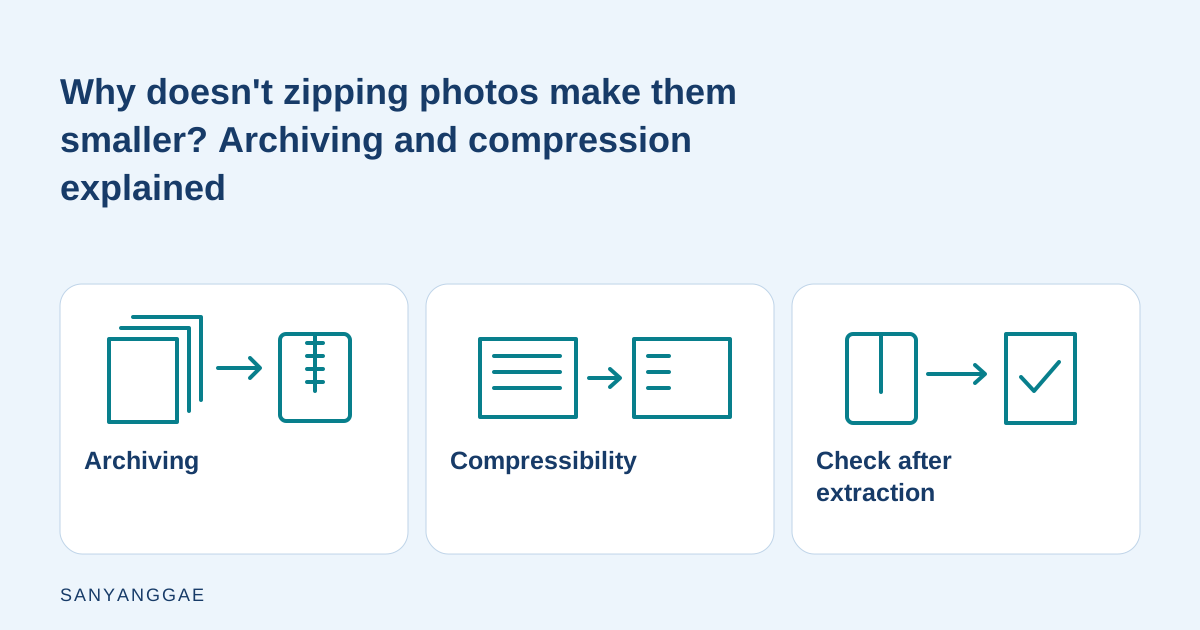
Before delivery, extract the ZIP into a different folder and check the file count, paths, and whether the required files actually open. If exact byte preservation matters, you also need a comparison with a trusted original. When a set of photos exceeds a size limit, repeatedly wrapping it in more ZIPs is less useful than preserving the originals and choosing an appropriate size for delivery copies or another transfer method. The illustration in this article is an original explanatory diagram separating archiving, compressibility, and checks after extraction. It is not an actual program screenshot or a measured compression-ratio chart. Check not only the percentage saved but also whether the recipient can use the complete files.