
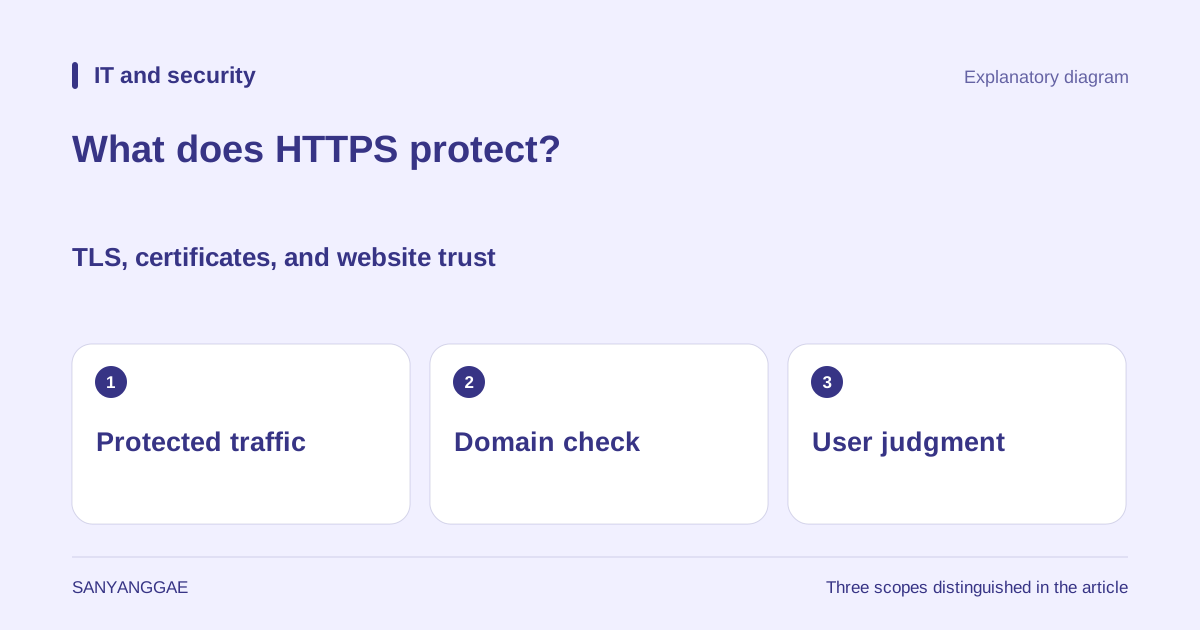
1. Protecting a connection and trusting a website are different questions
An address beginning with https on a login screen indicates an HTTPS connection protecting communications between the browser and that server. If HTTP defines how requests and responses are exchanged, HTTPS protects that exchange with a security protocol called TLS. TLS is designed to counter attempts to eavesdrop on or secretly alter communications. Although its name includes security, it is not a system for deciding whether a product description is true or an operator will keep their promises. Whether the connection is protected and whether you should trust the other party in a transaction need separate consideration.
For example, a fake shop might use an address differing from a real shop’s address by just one letter. Its operator can also obtain a valid certificate for a domain they control. Even if communications with that site are encrypted, the recipient of your password is still the fake shop. This distinction also explains Chromium’s warning against reading a connection indicator as a sign of trust in the entire website. Icons can vary by browser and version, so reading the address and connection information together matters more than looking for a particular padlock picture.
2. Encryption, integrity, and server authentication have different jobs
Encryption makes data in transit difficult to read without the appropriate key. HTTPS protects the headers of HTTP requests and responses as well as their bodies. Integrity protection makes it possible to detect alterations to communications in transit. Making an encrypted message unreadable and detecting tampering are different functions; TLS addresses both. A correctly established HTTPS connection is therefore an important protection even on a public network, but its role should not be expanded into solving every problem outside the connection.
Server authentication checks that the server corresponds to the name the browser is trying to reach. In ordinary web browsing, the server commonly proves its identity using a certificate and related mechanisms, and the user subsequently enters account details on a login page. These are authentication at different layers. A server sending a certificate does not log the user into an account. Nor does entering a password make server authentication unnecessary. Understanding that the connection peer is checked before login details are sent through that connection helps avoid treating certificates and account passwords as the same key.
3. A certificate lets the browser verify the relationship between a domain and a public key
A certificate contains the server’s public key, domain names, and other information used for verification. The browser checks conditions including a match with the requested name, the validity period, and a trusted certification path. During the connection, the server proves possession of the corresponding private key. This is why simply copying a certificate file to someone else does not let them take over every role of the legitimate server. A certificate is not the private key itself, and knowing a public key does not mean being able to decrypt all encrypted communications.
An authority issuing domain-validated certificates uses defined procedures to check that the applicant controls the domain. Let’s Encrypt, for example, describes validation methods using web-server responses or DNS records. These checks concern domain control; they do not mean that the seller’s honesty, the truth of an article, or a file’s harmlessness has been assessed. Different certificate types may contain different information and involve different validation scopes, but a valid certificate alone cannot guarantee everything a website does. This distinction is neither a weakness unique to free certificates nor a problem solved simply by paying for one.
4. Starting a connection involves agreeing protection parameters and keys
A TLS connection does not begin by simply exchanging web documents. First, a procedure called a handshake establishes parameters such as the version and cryptographic methods, performs server authentication, and sets up keys. In an ordinary new certificate-based TLS 1.3 connection, the browser and server exchange key-agreement information and derive secrets for the connection. The certificate’s public key does not simply encrypt every byte of the web page directly. Separating authentication, key establishment, and subsequent data protection helps explain why a certificate is needed and why separate communication keys are established.
This describes the roles of the procedure, rather than claiming that every connection has the same packet sequence. Details can vary with the TLS version and whether an earlier connection is resumed. Also, a server where encryption terminates, or infrastructure acting on behalf of the service, can read the contents to process requests. HTTPS does not determine how an operator stores and uses information after receiving it. It does not protect just one portion of an address: paths and query strings are protected in transit, but this does not eliminate their potential presence in browser history or server logs.
5. HTTPS does not hide every trace or risk
Even when a surrounding network cannot readily read an HTTPS body, clues such as the destination IP address, communication timing, and volume may remain. Whether DNS queries and connection names are exposed also depends on separate technologies and settings. Using HTTPS must therefore not be read as complete anonymity or deletion of every trace of a visit. An infected device or a malicious extension reading the screen and input is also not a problem solved solely by encrypting the communication channel. Understanding protection requires defining what is protected and along which part of the journey.
Other resources within a page matter too. Receiving the main document over HTTPS while requesting scripts, images, or other resources over HTTP creates mixed content. Depending on resource type and conditions, browsers may block those requests or upgrade them to HTTPS. The beginning of an address alone therefore does not prove that every subresource is always protected in the same way. Even on a page with a valid HTTPS connection, an operator can provide malicious files or false instructions. Encryption does not test a dangerous file and turn it into a safe one, so the source and purpose of a download require separate checks.
6. Check the address, connection warnings, and requested information separately
In practice, first check the spelling of the intended domain in the address bar. A brand name or logo inside a page is not the same evidence as the address bar. If an unexpected link asks for login or payment, you can return through a known official address or bookmark. If a certificate error or connection warning appears, disabling the warning and entering a password first is not a solution. A device date or time error can be a configuration-related cause, but that possibility alone does not establish that the current connection is safe.
Even when connection information is normal, consider why the page is requesting that information. Requests for excessive personal information or a password belonging to another service are separate from certificate validity. Checking HTTPS requests in developer tools also verifies the connection method, rather than testing a business’s trustworthiness. This article’s diagram was created by Sanyanggae to distinguish three scopes: communication protection, domain verification, and user judgment. It does not reproduce an actual certificate screen or the results of a security assessment of a particular website.